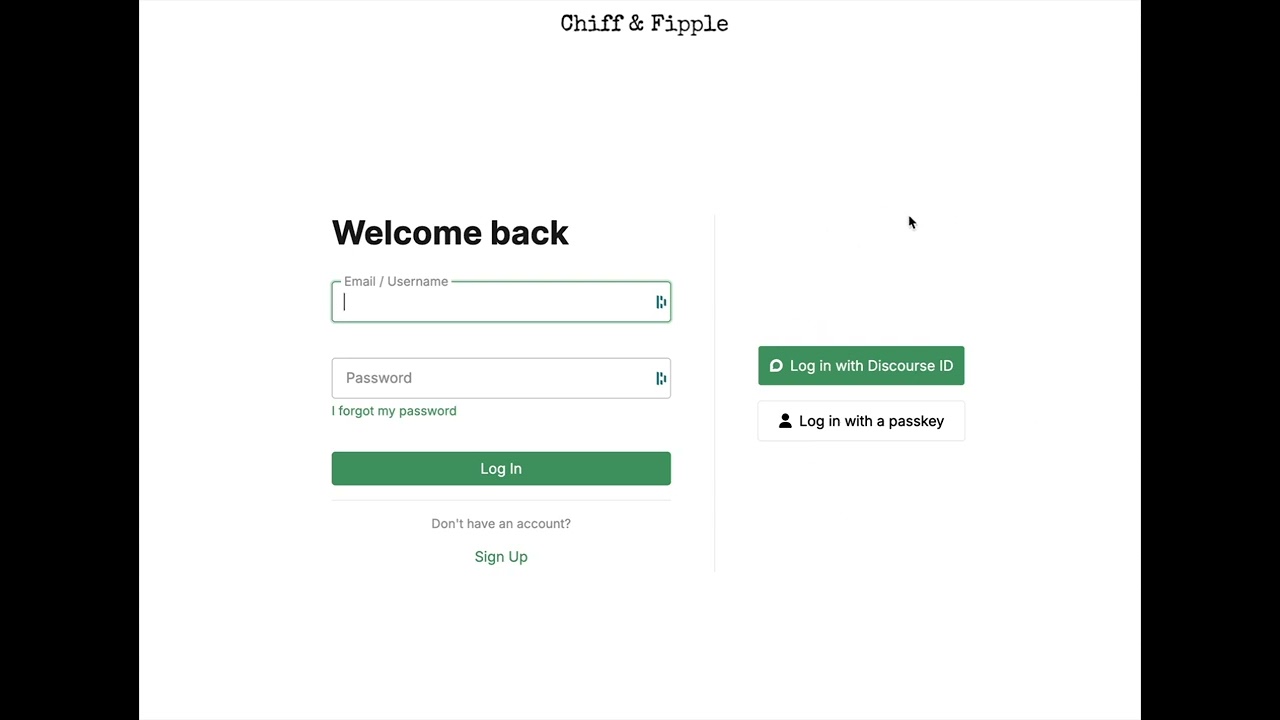
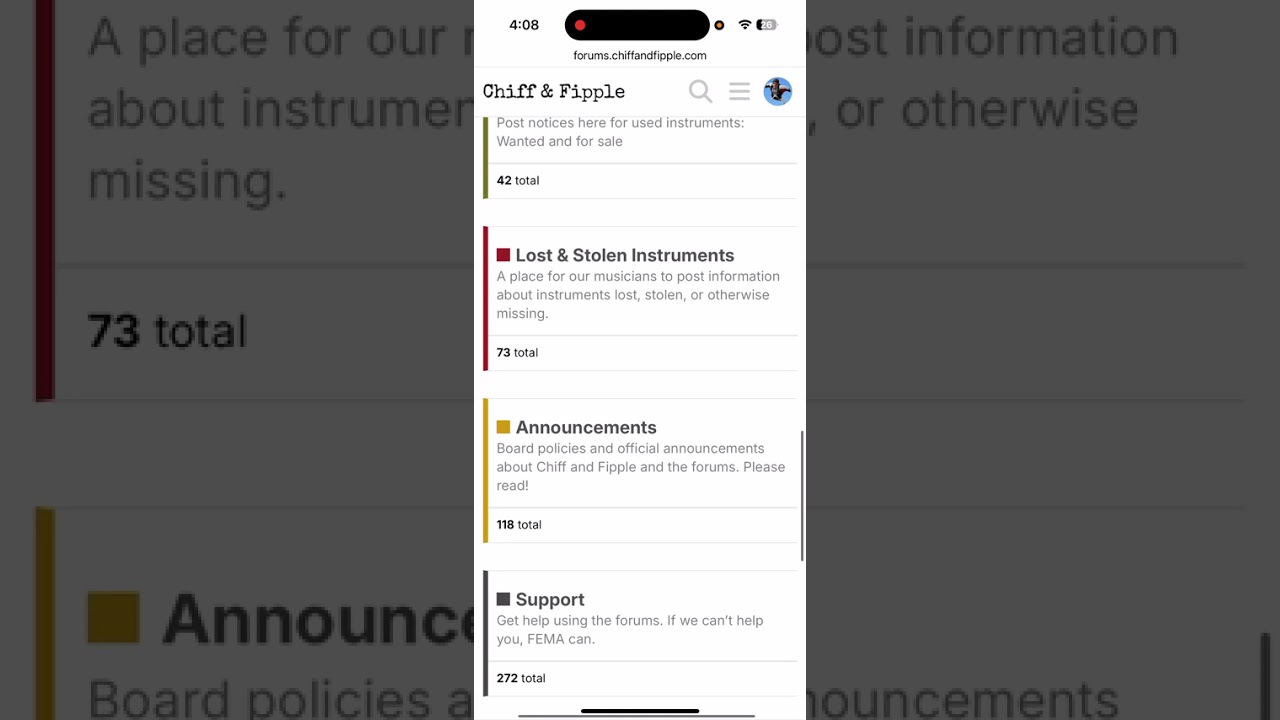
We’re back! Here’s a quick (very quick) walkthrough of the basics.
Avatar Issue: Some user avatars are not yet sync’d. We are working on that currently.
Let’s use this post thread to work out the kinks. Post any issues you are finding below.
Finding Categories on Mobile
//////////////////////
Old news…
The site went down again this morning (Colorado time) due to server resource issues. At the same time, our sysadmin suggested we kick off the migration - so the timing lined up to get things moving.
During the migration, the forum will be in read-only mode. That means no posting, replying, PMs, or new registrations. This ensures our database snapshot stays unchanged while we map everything over to the new platform (Discourse).
I’m writing this at 10:49 AM Mountain Time (Colorado, USA). I’ll share more details on the timeline soon—hoping to have us back up and running by midweek!
@Mr.Gumby could you try adding / deleting a post again? Working for me now. The old post will show in red after you delete but will go away after you refresh the page.
Logged in on my phone via a login link sent to my email address. Still doesn’t let me log in normally - error message along lines of incorrect address or password.
Hey @kkrell ! So, you’re saying your original password doesn’t work or a new one? I checked with @Geoffrey_Ellis and his old password worked. Our new site does enforce a 10 character minimum for passwords now so if your current password was 9 or less, you’ll have to setup a new password with the “forgot password” link. Let me know if you still have trouble and I’ll look more into it”under the hood”. Thanks for chiming in and welcome to the new digs!
I’d double-check if you haven’t already that you’ve updated your preferred browser. Anyone else running on Win7 to confirm it’s working. Always helpful to share OS/Browser Type & Version whene reporting issues. thanks!
Using Firefox on desktop - the font rendering/aliasing is pretty bad. Looks kinda jagged and uneven. Also the light/dark mode isn’t working, it’s just stuck on light.
Yes, if looking at it on a phone, hold your finger on the text of the message you want to quote, select it, and a special option will pop up saying “quote text”.
Then my avatar image wasn’t there, so I uploaded the same picture again. For some reason I had to do this a couple of times because it disappeared. Hopefully, it stays around this time!